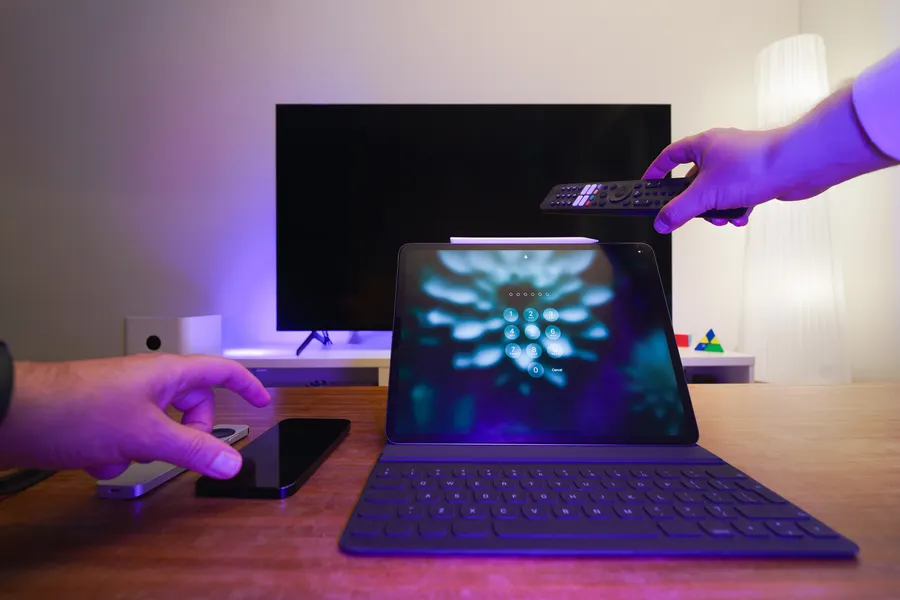
 Stockfoto · Pexels
Device guides
Free IPTV Players: VLC, Kodi, and What You Actually Need
On this page
A free download answers only one question
When people look for a free IPTV player, they often have three goals at once: pay nothing for the app, watch specific content, and use it conveniently. A download page can answer only part of that. First decide which device and existing media access you plan to use.
Two well-known free programs are VLC and Kodi. VideoLAN describes VLC as an open-source media player, while Kodi describes itself as a free media center. Neither description promises an included TV channel package. Q1 Q2
VLC: open an existing stream or file
VLC may suit you if you want to open a media file of your own or an existing supported network source. Our VLC guide for Windows shows the specific steps for a PC. Q1
For your decision, “the video plays” may not be enough. Do you need remote control from the couch, a particular way to navigate, or an easy way to switch among many items? Write down what you need. Playing one item does not test the full TV experience.
Kodi: a media center, not just a playback window
Kodi describes an interface designed for TVs and remote controls, with support for various platforms. The project says it does not provide media content or sources. Your content must come from your own collection or appropriately configured services. Q2
Kodi is a different kind of tool. It may be useful if you want to organize media in one interface. Your choice still depends on whether your particular device and preferred access method are supported. A platform appearing on a general list does not replace that check.
Compare options without inventing a winner
| What you want to do | What to check before switching |
|---|---|
| Open one stream on a PC | Supported access and ease of use |
| Use a media collection on a TV | Device support and remote-control options |
| Watch a particular TV service | Official app, subscription, and permitted devices |
| Avoid ongoing costs | List app costs separately from content costs |
This guide does not declare a test winner. The goal is to help you try a suitable option without claiming that one program is best for everyone.
Free software does not settle the cost of content
If content requires a subscription, rental, or other form of access, a free player does not remove that requirement. A paid service does not become free just because playback is technically possible. Check with the provider about how to access it.
For device-specific steps, see Samsung TV, LG webOS, and Fire TV Stick.
Updated October 22, 2026. Based on the linked manufacturer help; no hands-on device testing. The image is an AI-generated illustration.
Sources and access dates
- Q1: VideoLAN VLC Media Player
Oct 22, 2026 · Free, open-source player for local media and various streaming protocols; does not provide TV channel packages.
- Q2: About the Free Kodi Media Center
Oct 22, 2026 · Free, open-source media center; no media content or sources are included.