Fire TV
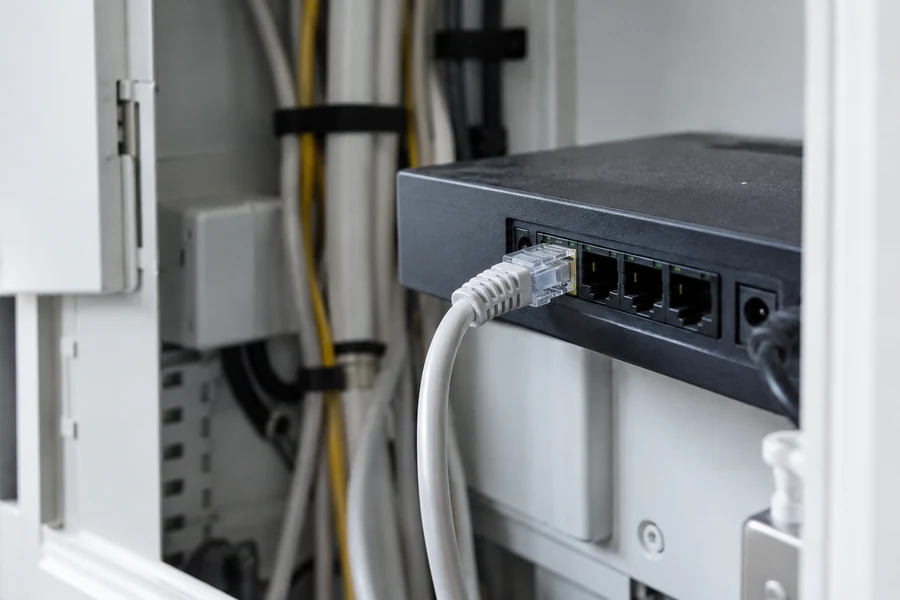
Fire TV Stick has no picture: check HDMI, power, and signal
No picture or a “No Signal” message on your Fire TV Stick? Check the TV input, power, and connections in a clear order.
Read guideUSA · English
Streaming guides · USA
Setup and troubleshooting help for Fire TV, IPTV players, smart TVs and live TV. Choose a topic or browse every guide.
Start with the Fire TV setup guide
Fire TV
No picture or a “No Signal” message on your Fire TV Stick? Check the TV input, power, and connections in a clear order.
Read guideFire TV
Can't find a Wi-Fi network or connect your Fire TV Stick? Separate network discovery, sign-in, and internet access before resetting.
Read guideFire TV
IPTV on a Fire TV Stick: check the model, operating system, and app availability. Keep the player, sign-in, and content offer separate.
Read guideFire TV
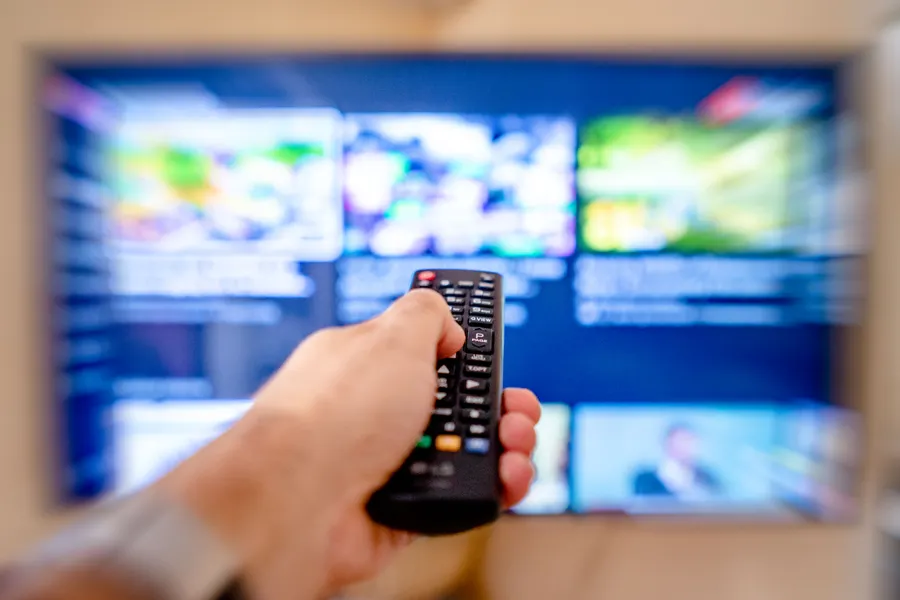
Pair a replacement Fire TV remote or troubleshoot a connection: check compatibility and batteries, then follow the right setup path.
Read guideFire TV
Set up a Fire TV Stick step by step: power, HDMI, Wi-Fi, and Amazon sign-in, plus help with common startup problems.
Read guideIPTV players
Looking for a free IPTV player? Compare VLC and Kodi by use case, and separate software from content access and other costs.
Read guideIPTV players
Use VLC on Windows: download it from the official site, open a network address, and troubleshoot without sharing credentials.
Read guideIPTV players
Compare TELOS, TiviMate and other IPTV players by device, source, EPG and cost. Start with our TELOS recommendation; no channels included.
Read guideSmart TVs
Find the right LG app store, check your model and region, and make a useful first playback check on webOS.
Read guideSmart TVs
Check your Samsung or LG TV model, region, and app catalog before installing an IPTV or live TV app.
Read guideSmart TVs
Find an IPTV app on Samsung TV, check model and region, set up access, and distinguish common problems.
Read guideSmart TVs
Compare Fire TV, Google TV, and Apple TV for app support, remote use, ports, and total cost before buying.
Read guideTroubleshooting
IPTV buffering or stuttering? Compare the source, home network, and player before changing devices or plans.
Read guideLive TV
Find free, official live TV and streaming options in the U.S., then check ads, location, device support, and whether a specific program is included.
Read guideLive TV
Understand why live streams can lag behind an event, distinguish normal delay from buffering, and compare your own setup carefully.
Read guidePlaylists & EPG
Learn how a playlist and electronic program guide differ, how to add each source, and what to check when guide data is missing.
Read guidePlaylists & EPG
Set up TiviMate with an authorized playlist or service, then check channel playback, the program guide, and favorites separately.
Read guideOur guides explain setup using manufacturer documentation; they are not hands-on product tests. A player is software, not a TV subscription.