 AI-generated illustration
Device guides
IPTV Buffering: Compare the Source, Wi-Fi, and Device
On this page
Identify the pattern before changing anything
The picture freezes, a loading circle appears, or the audio falls out of sync with the video. “IPTV buffering” can describe several different symptoms. First note what you actually see: a pause to load, consistently choppy motion, or a stop with an error message? That is more useful than immediately shopping for a new subscription or router.
For slow loading or buffering, Netflix lists a weak or unstable connection and the need for device updates among possible causes. This is specific help for Netflix; it does not show that every IPTV problem has the same cause. Q1
Run a few comparisons instead of changing ten things at once
Test one thing at a time and record the result:
| Comparison | What it helps narrow down |
|---|---|
| A second item in the same service | Is only this item affected? |
| Another familiar service on the same device | Is the issue broader than one service? |
| The same authorized service on a second device | Does the first device matter? |
| A comparison when the home network is quieter | Does other simultaneous network use affect playback? |
Run these tests one at a time. Another stream playing at the same time adds network load and may run into a service’s usage limits. One successful attempt is a clue, not final proof of the cause.
Check the network where the problem occurs
A fast test on a phone beside the router does not automatically describe the TV’s connection through a wall. If available, use the diagnostic tool on the affected device. Netflix describes its own network check and steps for restarting and improving Wi-Fi reception. Q1
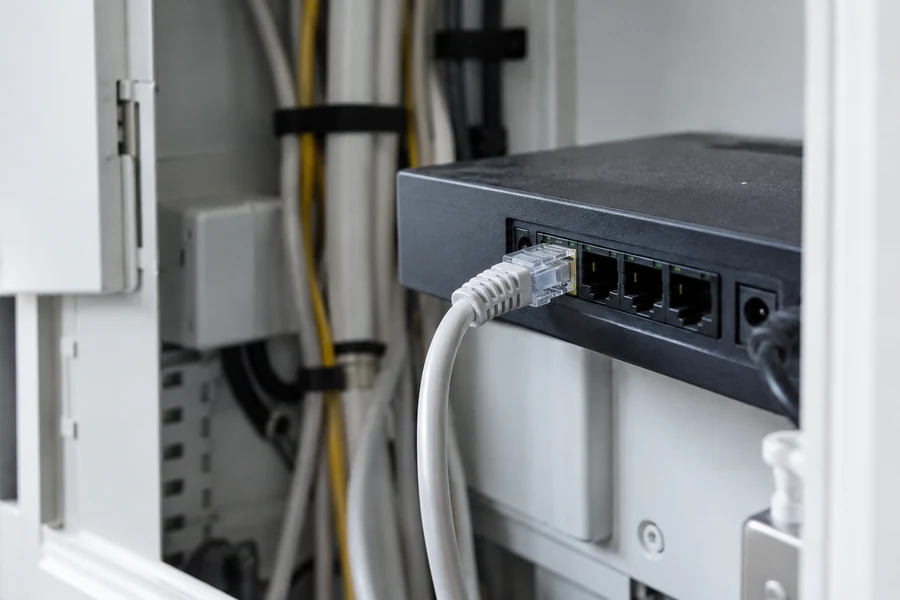
If you can compare a wired connection, keep the source and device as similar as possible. A new router is a sound choice only when you know which limitation it is meant to address.
Contact the player and source separately
If an update is available for your app, use its intended update process and note the version afterward. If the same problem persists only with one source, include that specific observation when contacting the service. Do not post private login details with your report.
For Fire TV, the Wi-Fi troubleshooting guide covers the device connection. To compare with a PC, try the VLC guide for Windows.
What to include in a useful support report
Include the device, app version, content or channel, time, exact message, and results of your comparisons. This helps support staff interpret any changes. A general statement like “nothing works in the evening” leaves out many useful distinctions.
Updated October 22, 2026. Based on the linked manufacturer help; no hands-on device testing. The image is an AI-generated illustration.
Sources and access dates
- Q1: Netflix Help: Slow Loading and Buffering
Oct 22, 2026 · Connection diagnosis, network test, restart, and Wi-Fi signal; Netflix-specific help, not evidence for every IPTV issue.